Lightroom Quick Tip #5
https://youtube.com/watch?v=AW1c8H17tD4%3Frel%3D0Subscribe Table of Contents Lightroom Quick Tip #5 In this Lightroom quick tip tutorial, we’re going to take a look at one of my favorite


https://youtube.com/watch?v=AW1c8H17tD4%3Frel%3D0Subscribe Table of Contents Lightroom Quick Tip #5 In this Lightroom quick tip tutorial, we’re going to take a look at one of my favorite
https://youtube.com/watch?v=DCk6Uj5GHnI%3Frel%3D0Subscribe Table of Contents Lightroom Quick Tip #4 In this Lightroom quick tip tutorial, you’ll learn about the Clarity slider. Clarity is sometimes mistaken for
https://youtube.com/watch?v=UxV27-Yk7Fo%3Frel%3D0Subscribe Table of Contents Lightroom Quick Tip #3 In this Lightroom quick tip tutorial, you’ll learn the difference between Saturation and Vibrance. The best way
https://www.youtube.com/embed/pYoDVdGPbKs?rel=0Subscribe Table of Contents Lightroom Quick Tip #2 In this Lightroom quick tip tutorial, you’ll learn how to customize your interface even more (vs. the
https://youtube.com/watch?v=S1VTIiWs3g8%3Frel%3D0Subscribe Table of Contents Lightroom Quick Tip #1 In this Lightroom quick tip tutorial, you’ll learn how to add your logo to the Lightroom interface.

My Story But first, a little about you…Are you a photographer and/or a designer?So am I.Do you have a passion for success & photography?So do
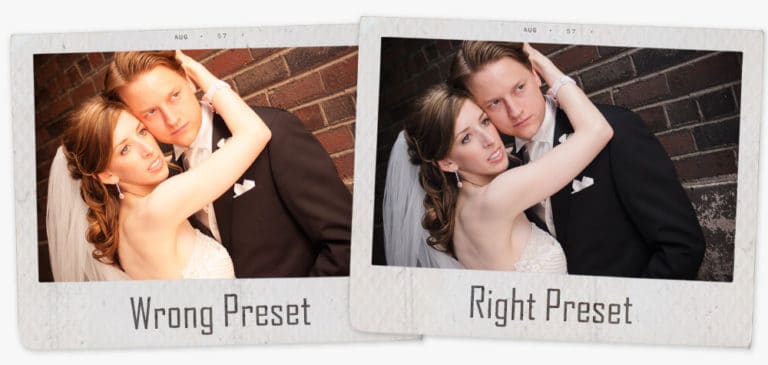
Have You Ever Downloaded Lightroom Presets, Applied & Thought – These Presets Suck!?!? Table of Contents So, you run across a website, Facebook, Pinterest or